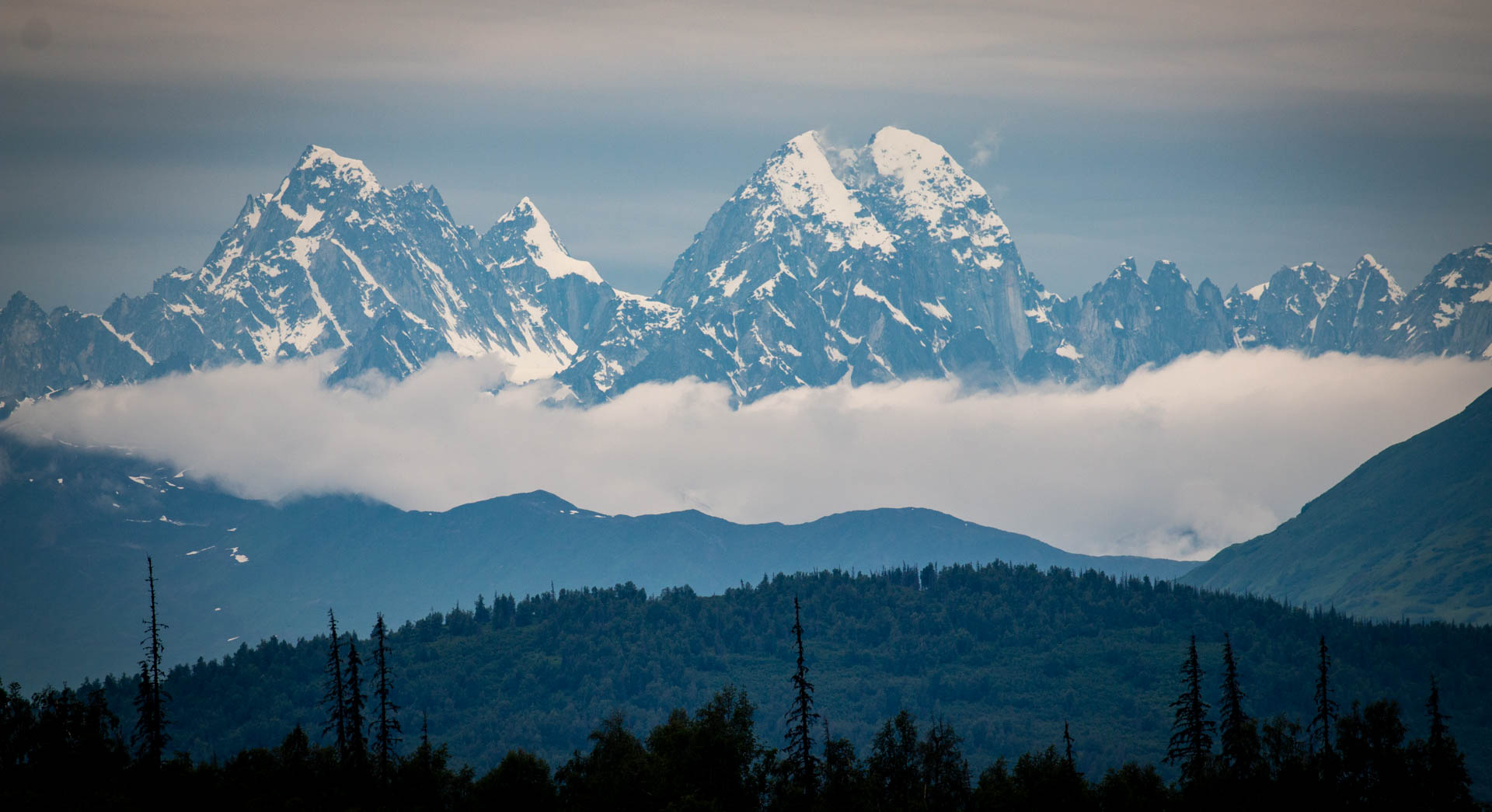
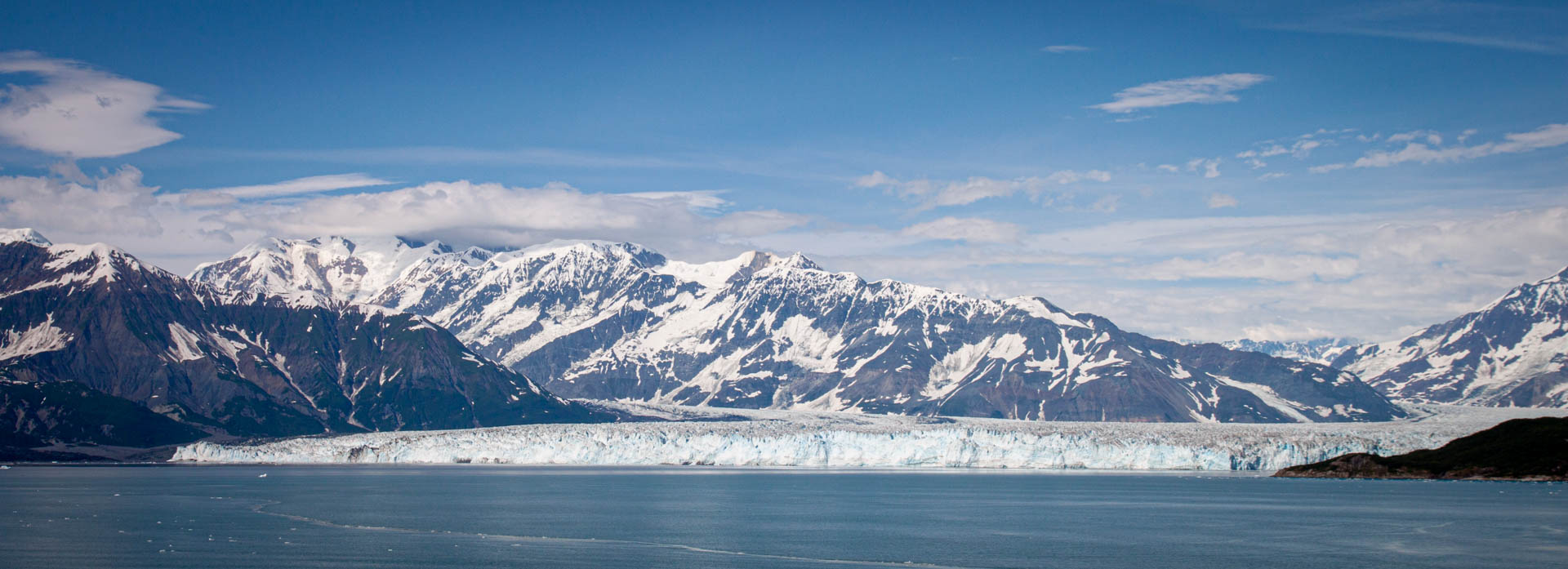
Back in July, we had the fortune to spend a great two and a half weeks visit Alaska. We flew to Anchorage, met up with Suzanne’s parents, Jack and Mary Lou, spent a week driving around and then spent a week on a cruise down the inside passage. We ended with a few days in Vancouver, BC, Canada. It was an amazing trip of scenery and wildlife with some great experiences and cool towns/cities. Combining the time on land with the cruise along the southeast coast worked out perfectly. We had decent weather overall, though a day of rain kind of put a damper on our time in Talkeetna. I cannot recommend enough jumping at the chance to visit “The Last Frontier” should you ever get the chance. Of course, I put together a Trip Report (probably too long) and posted a ton of photos. (I took around 6000 but won’t subject everyone to all of them.)
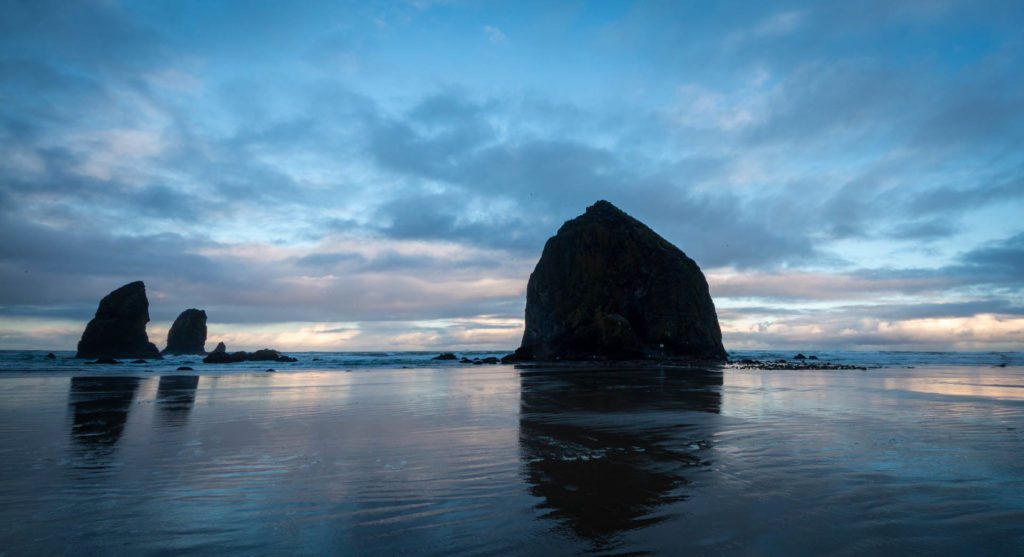
A much belated post, but back in April, we had an in person team summit in Portland, OR. I headed out a bit early to see some of the area. I had been in March 2019 but focused on the Columbia River Gorge that trip. For this one, I wanted to head out to the coast. I flew in late Friday night, spent Saturday and Sunday night in Cannon Beach, and then flew back home from Portland on the Friday night redeye. I was a great trip, both professionally and as a tourist on the coast.
One last significant gallery update/overhaul. I hope to keep things more up to date going forward, adding and removing images as new ones I like more come in. This update was for my Misc images.
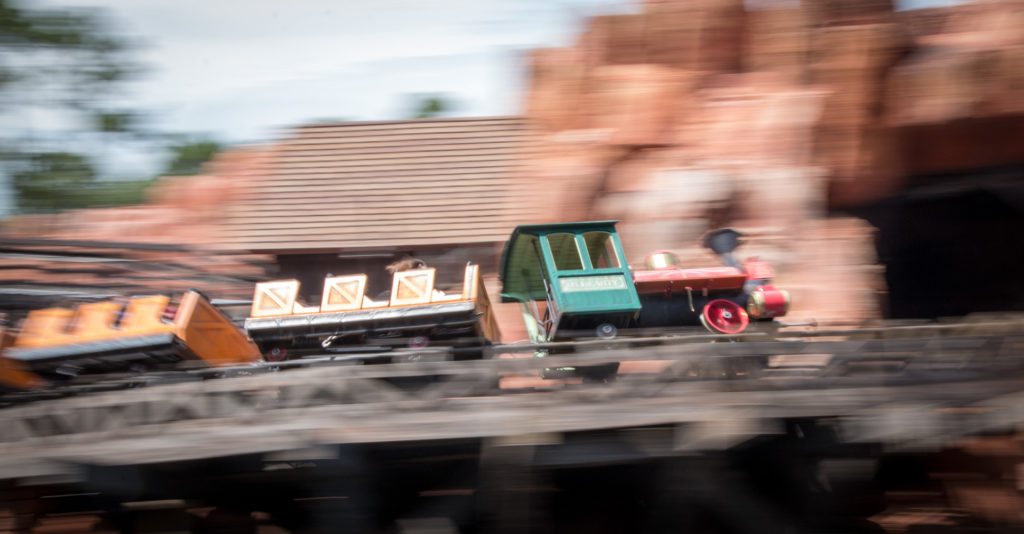
Big Thunder Mountain at the Magic Kingdom, Walt Disney World
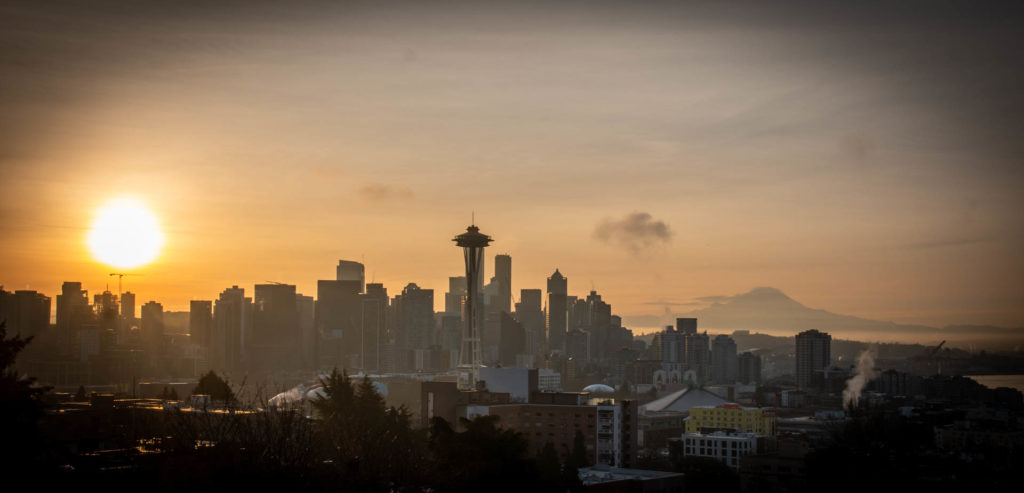
Recently, my boss asked myself and the other team lead for our group about having a leadership summit, where we could spend a few days seriously focused on team improvements. As she works from home in Seattle and it’s tricky for her to travel more than she already does, she also asked if we would be willing to come out to Washington state. As I had never been to Seattle, and barely to Washington, I immediately said yes. I decided to spend a few extra days to see the city and surroundings. It was a great visit, both as a tourist and for work.
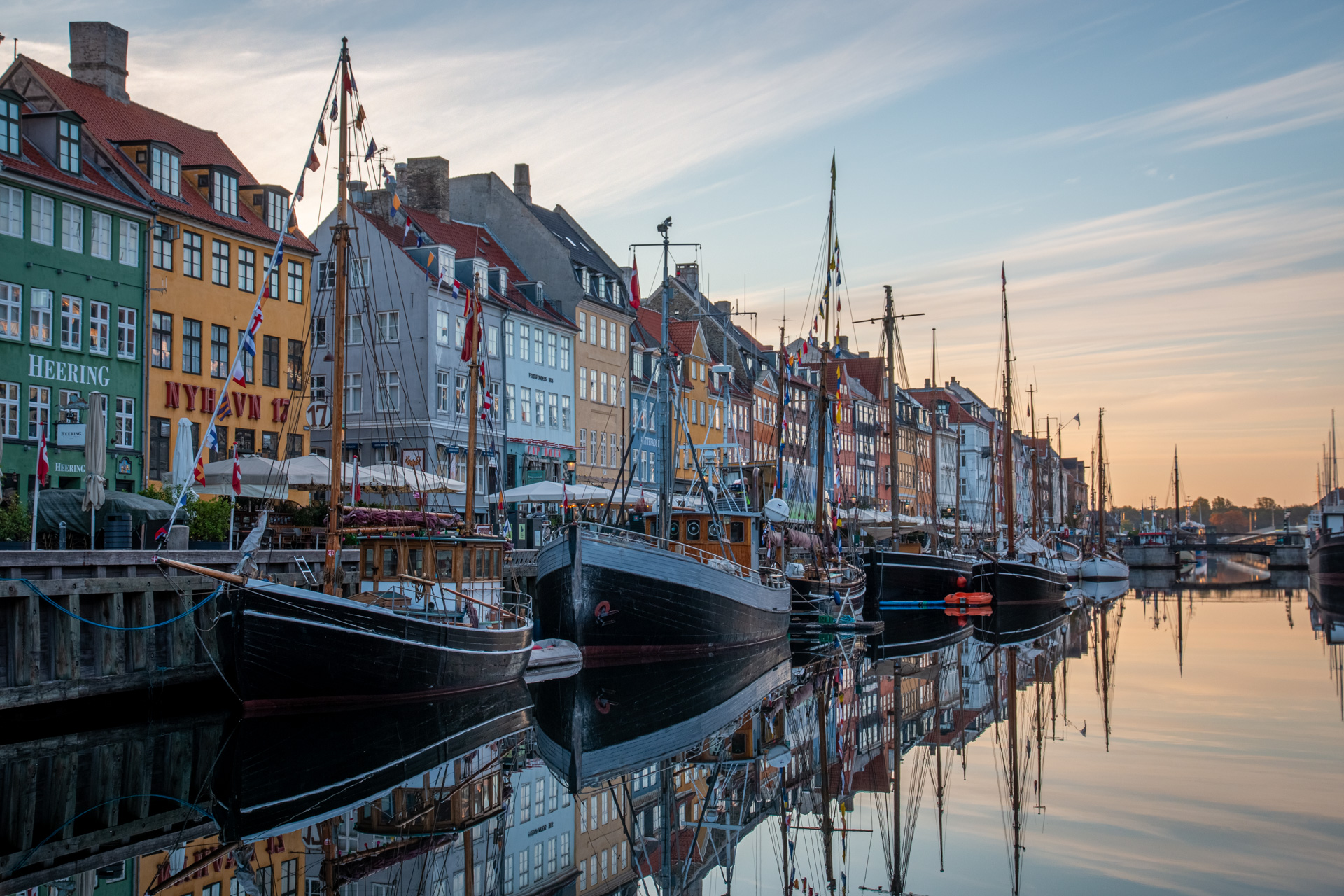
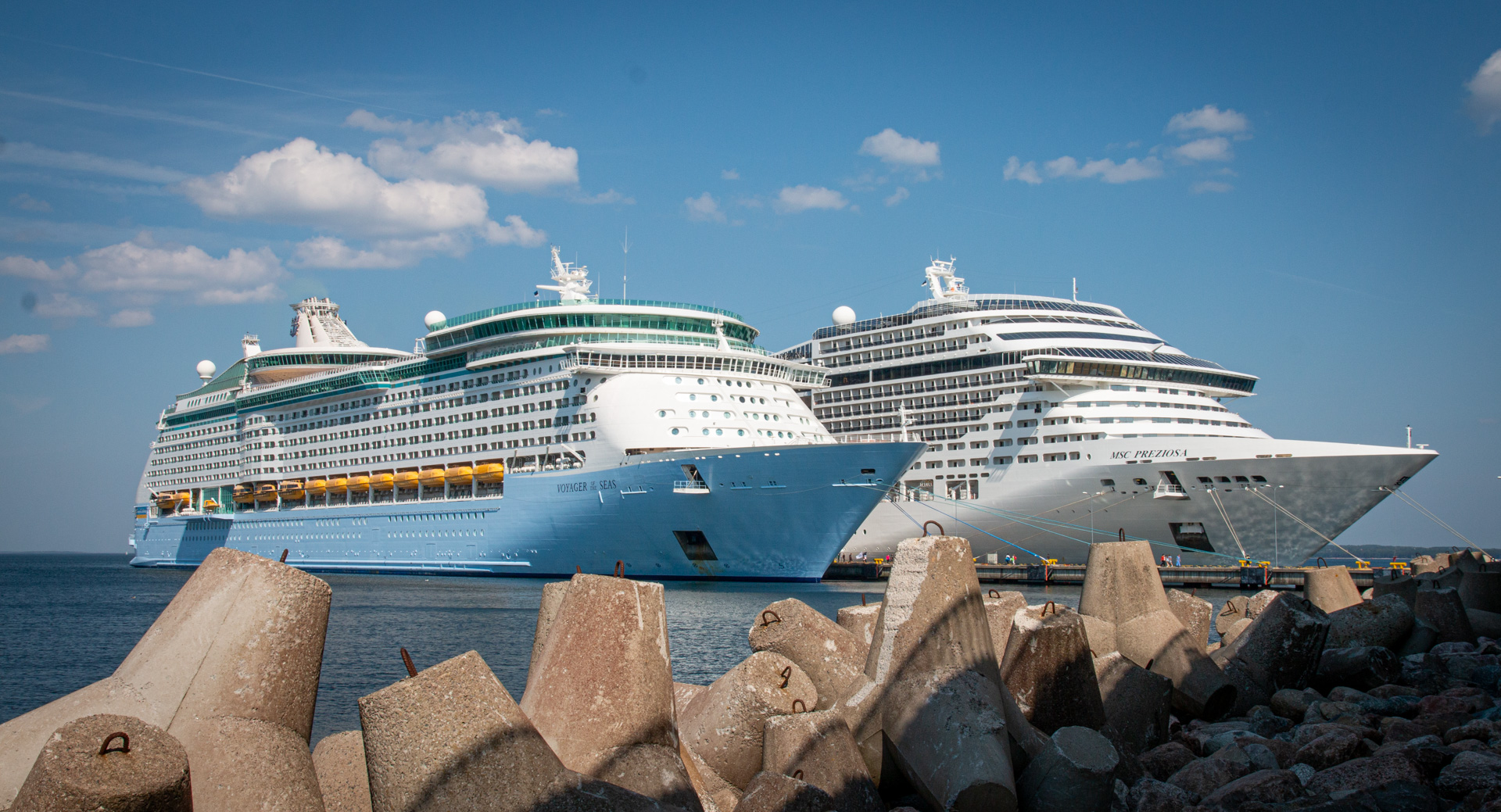
A few weeks back, we finally managed to go on what was supposed to be our first cruise after several cancellations and rebookings after our original booking in Feb 2020. This was on the Baltic Sea out of Copenhagen, Denmark onboard Royal Caribbean’s Voyager of the Seas. We had a great time visiting Copenhagen before embarkation and visiting eight other ports, none of which we had ever been to before, over 11 days. We got to see a lot of new places, meet some nice people, and even had a couple of day to relax.
Of course, there’s a (too long) trip report and lots of photos.
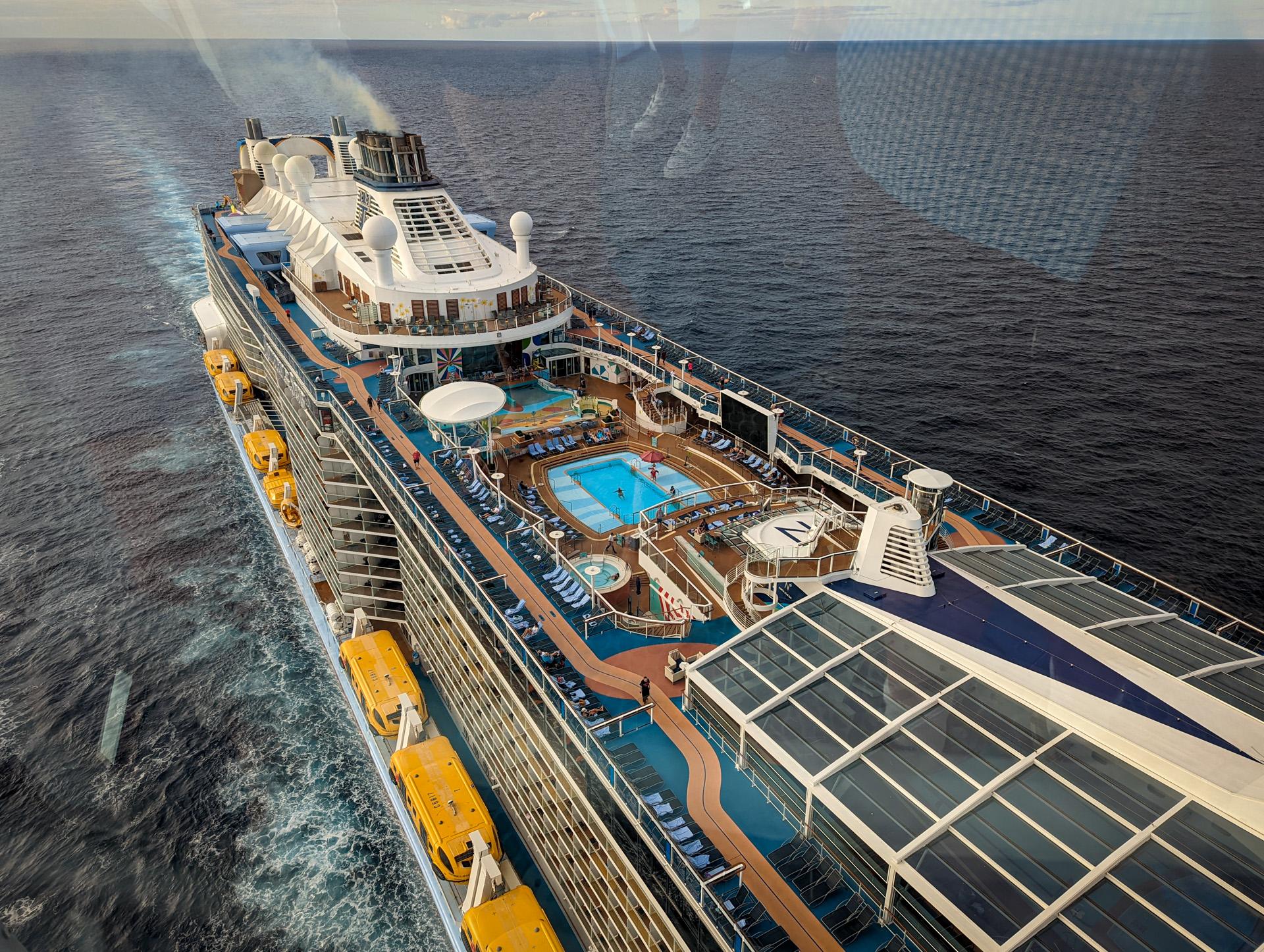
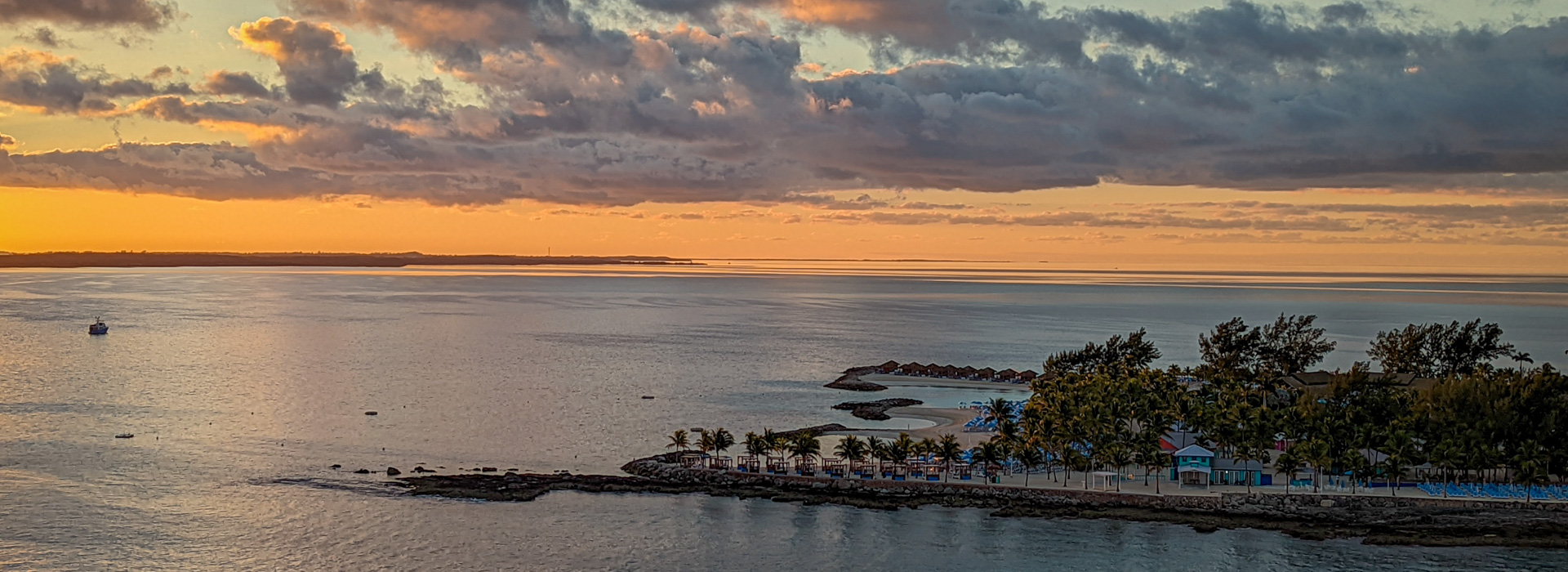
We had a great cruise on Royal Caribbean’s Anthem of the Seas over Christmas. We sailed from Bayonne, NJ (“Cape Liberty”, about 35 minutes from our house), down to Nassau, Bahamas and then Coco Cay, Bahamas (Royal Caribbean’s private island). We had a great time. It was wonderful to get away for a bit, especially into the warmth, visit a new country, and experience a cruise for the first time.
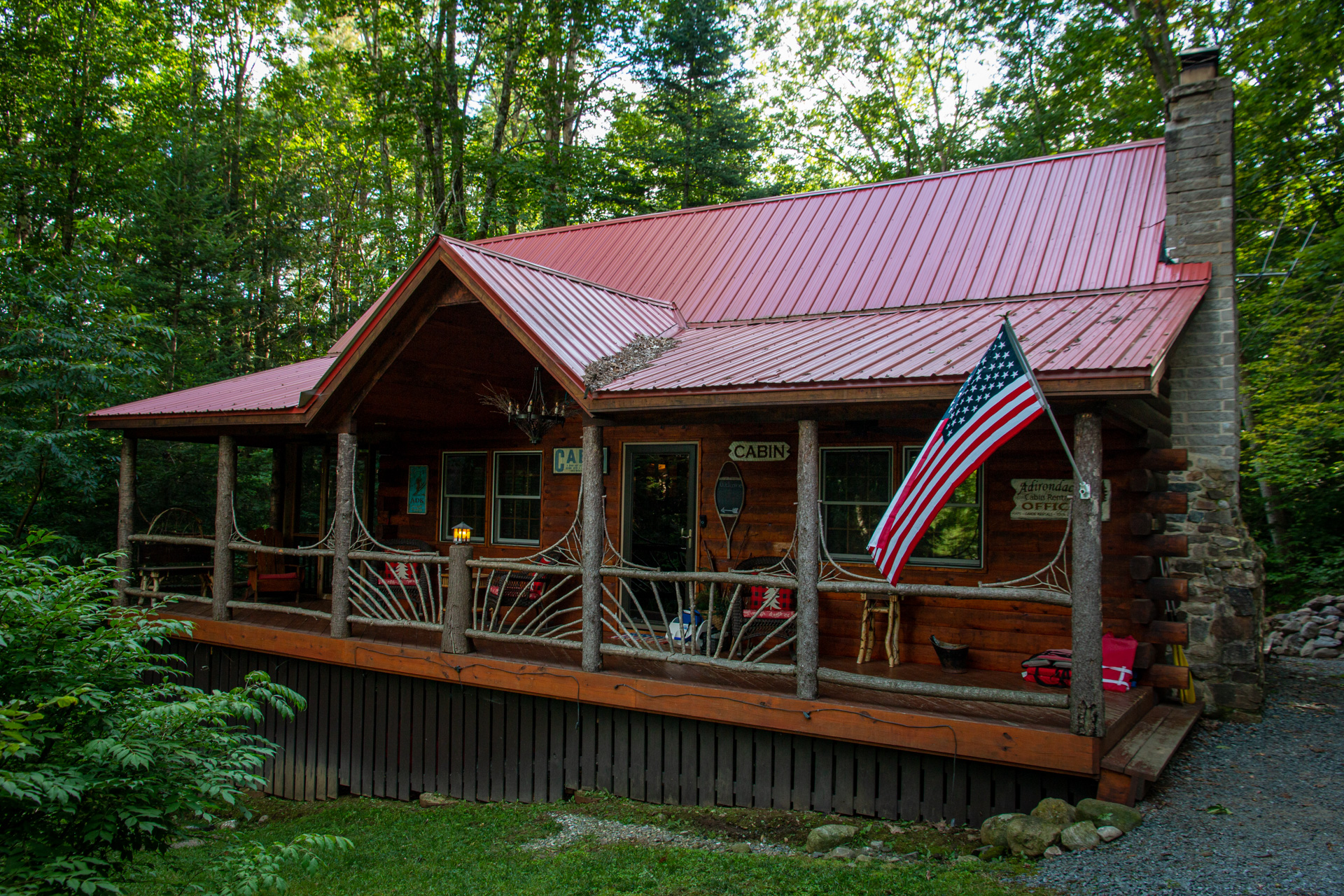
After spending the week in Camden, Maine, we headed back sort of toward home to spend a week in the Adirondacks. We had spent a week there in 2020 as well, but it seemed like another good spot. This year, instead of heading toward the north end of the region (Long Lake), we stayed further south in Caroga. Once again, we found the wonderful Auskerada Lodge AirBnB. This was down the end of a road, nestled back in the woods. It was wonderfully decorated and had two great screened in porches. One proved perfect for breakfast. It would have been nice to be right on the water but it was a seven or so minute walk down to a dock. Another reason for staying in the area is that Mick, a very good friend from my time in Boston, has a summer home about 10 minute drive from where we stayed.
The drive from Maine didn’t take as long as we expected given the traffic we saw on the way up to Maine, which used some of the same route. We ended up getting there around 5pm, including a stop at the supermarket in Gloversville as there isn’t so much in Caroga itself. We lucked out that it was the last night of the Caroga Lake Music Festival. We ended meeting Mick down at the pavilion, had some great local beer, and heard some great local music. It was a very nice way to start the week.
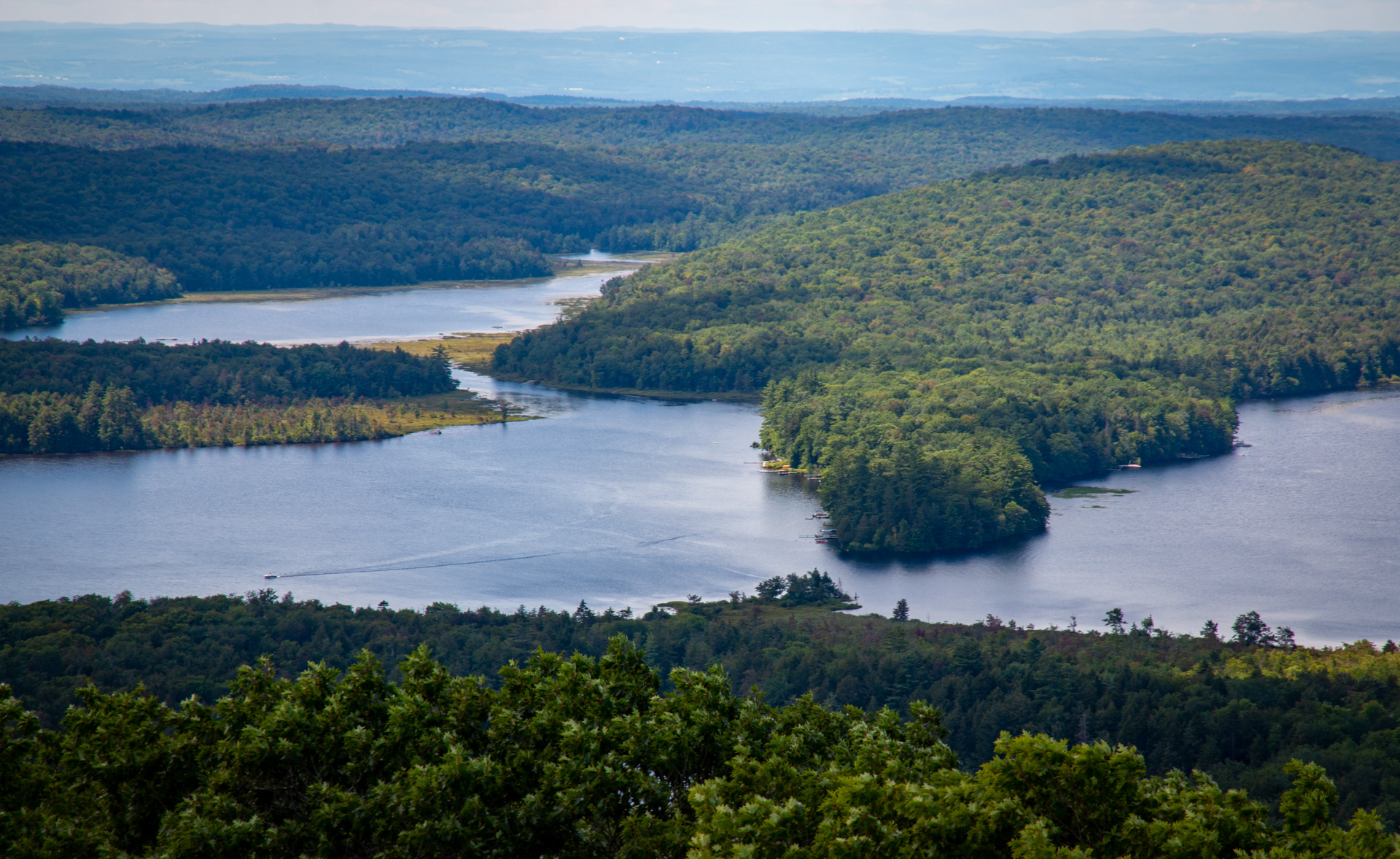
View from Kane Mountain
On Sunday, we met Mick again late in the morning for a hike up Kane Mountain, one of the more popular hikes in the area. It’s only a couple of miles but it was great to be out in the woods. For lunch, we grabbed some sandwiches from the Canada Lake Store which was a small spot but had good sandwiches, a surprisingly good beer selection, and a great bakery next door. After our late lunch, we used the time to relax around the cabin before a dinner in.
On Monday, it was some more hiking, this time to Indian Lake. This was a 4.5 mile hike so a bit longer but it was quite wet in many places. Again, it great to be outdoors. After our hike, we did the loop drive up to Speculator, with a stop for some decent ice cream, and then back though Wells and Benson. All in all a nice way to spend an afternoon. Dinner was once again at the cabin.
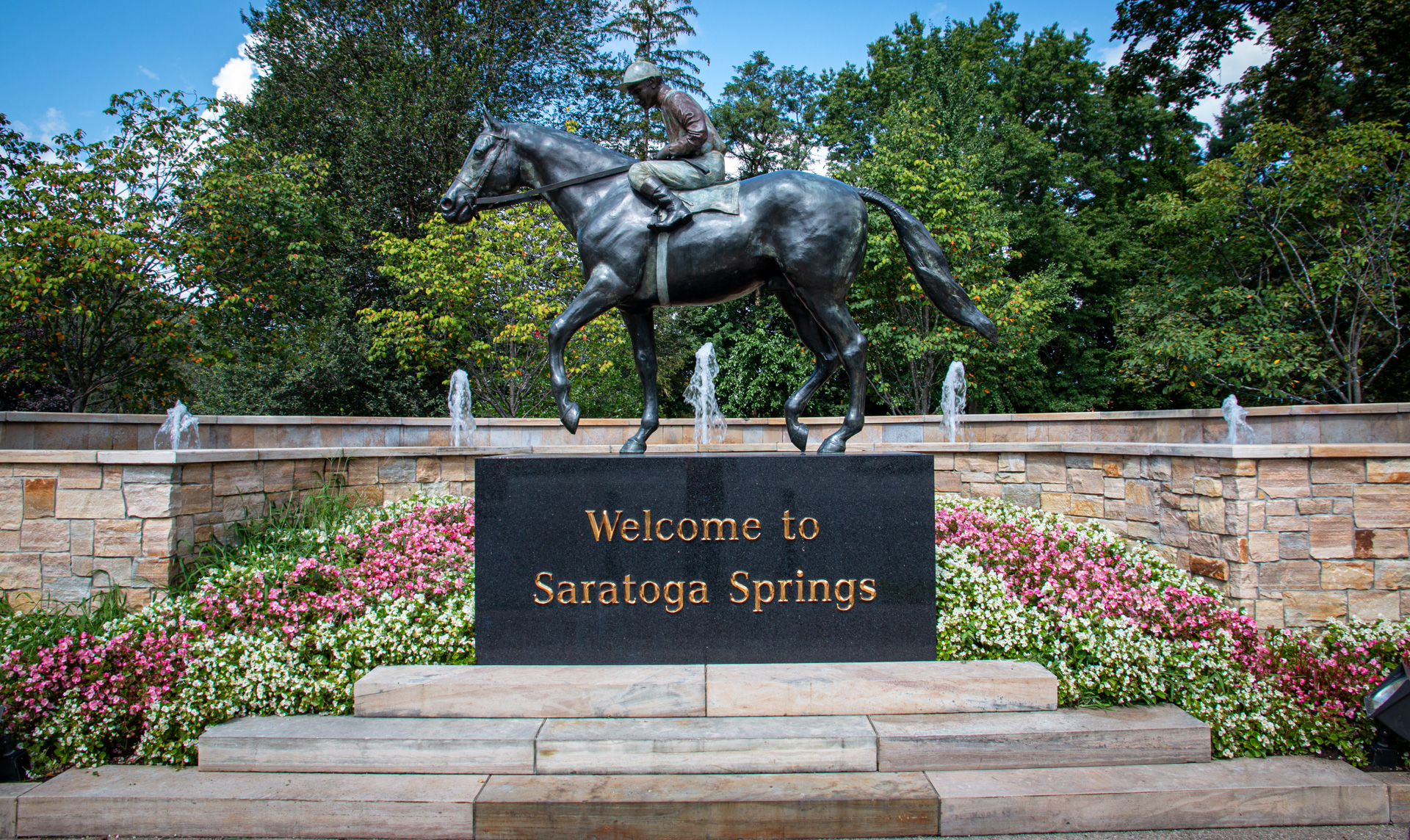
On Tuesday we ventured a little further afield, heading down to Saratoga Springs, about an hour east. We spent some time walking around town, including getting some excellent tea, both some leaves for home and some brewed to drink, at Saratoga Tea & Honey Company. For lunch, we headed to Druthers Brewing for some good burgers and good beer. After some more wandering, we headed out of town and stopped at Artisanal Brew Works for some really good beer. While I’m not usually a huge fan of sours, I loved a couple of theirs enough to bring a four pack. After another stop at the supermarket, we headed back to the cabin for the evening, including having a very nice time sitting around the fire.
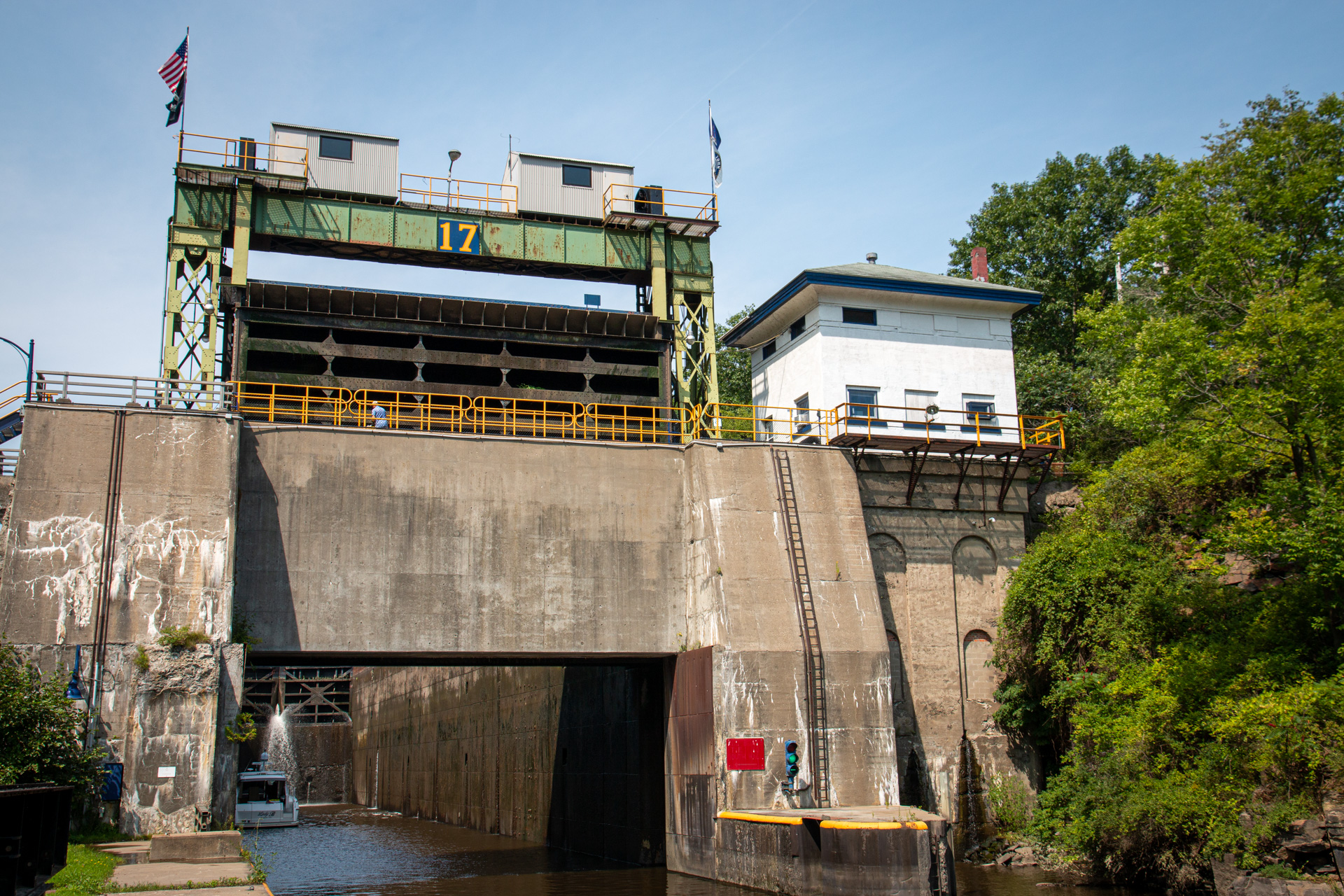
Erie Canal Lock 17
For Wednesday, it was another day afield. This time we headed down to Little Falls, about 45 minutes southwest of Caroga. Here is Lock 17, the largest lock on the Erie Canal at 40.5 feet. After wandering the area a bit, we had some very tasty pizza at Mangia Marcina’s in an old mill building. After lunch, we stopped for a short walk around the Herkimer Home State Historic Site before stopping at the Dolgeville Bread Basket on the way home. For dinner, Mick and Liz had invited us to their house for a cookout. It was great to hang out him them, have some burgers and beer, and just chat the evening away.
Paul along the Hudson River
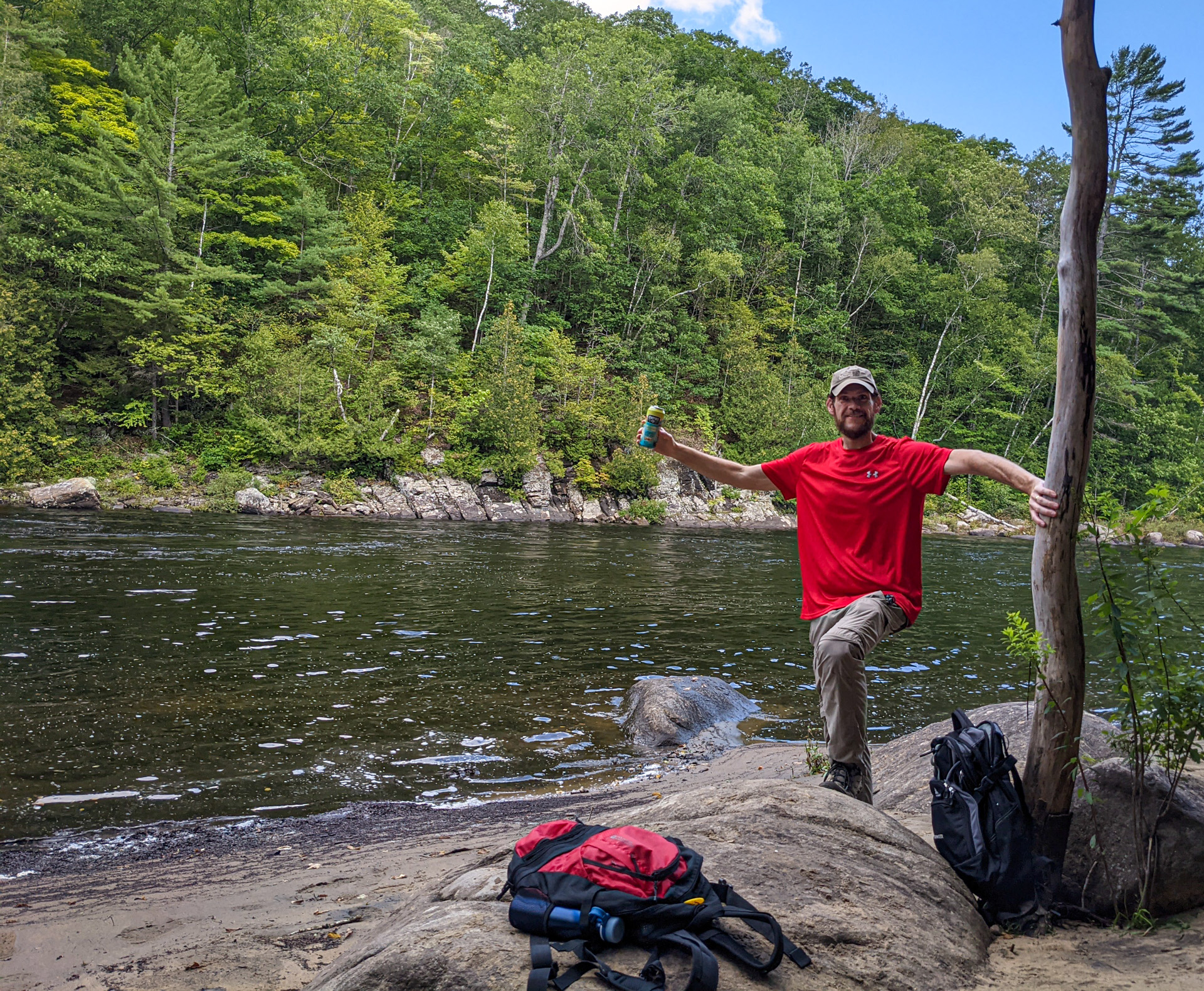
Mick and I had made plans for a decent length hike on Thursday. We met up around 9:00, stopped at the store for some sandwiches and snacks, and then headed about an hour north to Indian Lake, not too far from where we stayed last year, to do the OK Slip Falls hike. It had been quite some time since I’ve done a real hike but given my regular running over the last 18 months or so, I’m up to around 30 miles per week, I was looking forward to it. The hike was quite good. We did all the way down to the Hudson River where we stopped for a lunch and beer break. Overall, the hike totaled 9.5 miles with a couple of good uphill sections. The view of the falls was also very nice. It was good, strenuous walk. On the way back, we stopped at Lemon Tree Brewery in Speculator for a quick fruited sour, perfect after the hike. (Lemon Tree isn’t really a brewery, at least not yet, but had a nice selection of local brews.) After Mick dropped me off at the cabin, we had some dinner and relaxed the rest of the evening.
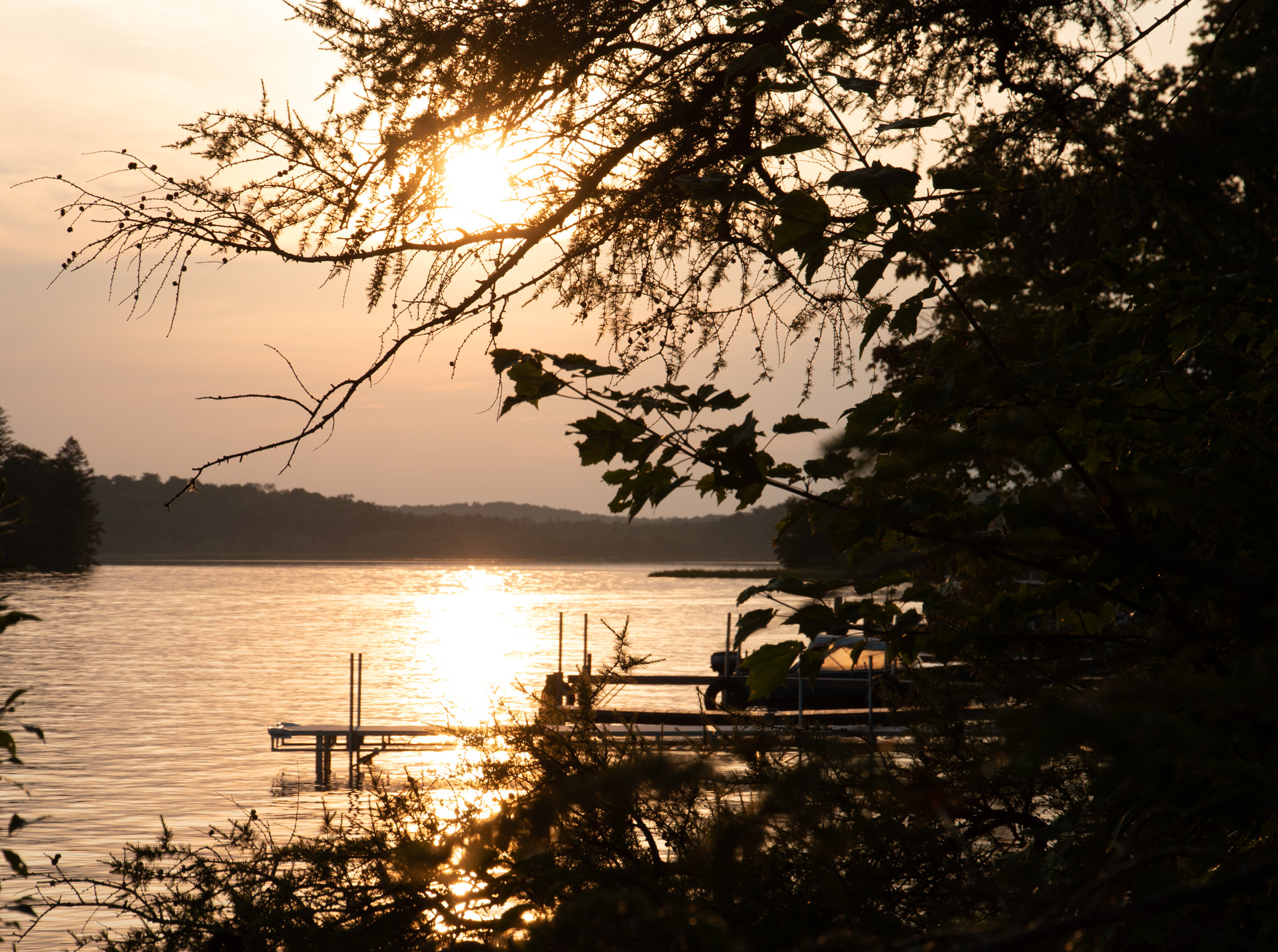
Sunset on Canada Lake
Friday was yet another hike after a relaxing morning, this time the short 2 mile hike out to Nine Corner Lake. After hanging out at the lake for a bit, we hiked back to the car and ended up back at Mick and Liz’s. We had a nice time just hanging out for a while before Mick headed out to get some take out dinner a spot I can’t remember and then hanging out some more for the evening. I was a really nice way to spend our last evening on vacation.
Overall, both weeks were really nice. It was nice to see my Dad and to catch up with Mick and Liz. Camden was a great as was Caroga. Camden was a bit more active with lots to do while Caroga was more relaxing. It was nice to have the full two weeks away from work. Having two smaller, laid back vacations was nice but we’re really looking forward to our Christmas cruise in December and to our big Baltic Sea cruise next year for a “real” vacation.